After the callA clearer next
A clearer next
conversation.
BlinkQ turns the call into a transcript, score, missed opportunities, and one focused thing to improve next time.
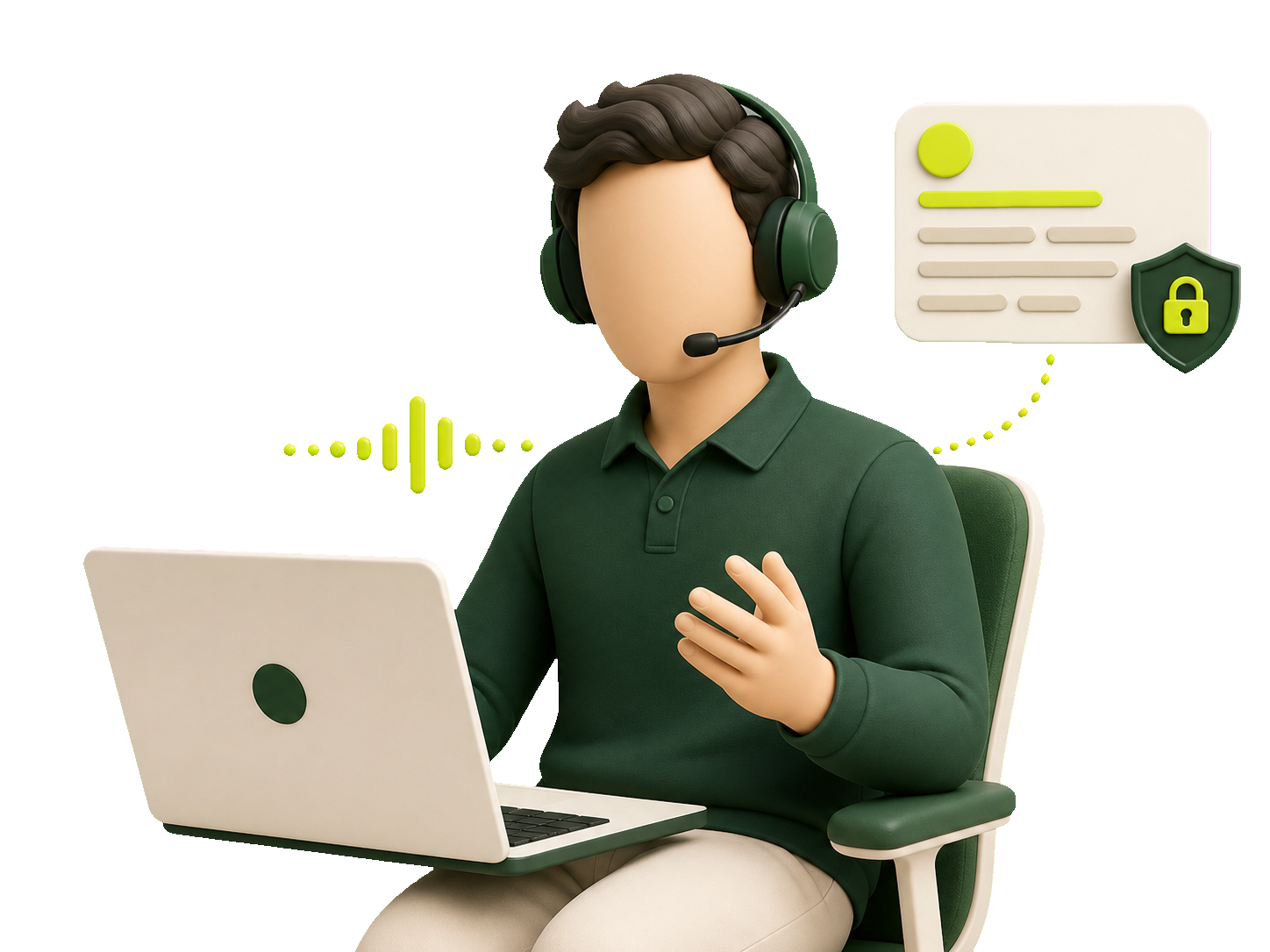
BlinkQ listens during live calls and whispers short, tactical hints only you can see — no meeting bots, no screen share leak.
Solo sellers sign up individually. Company owners create a workspace. Sales reps join with a Company ID.
Personal coaching, no workspace and no team setup. Bring your company in later when it is ready.
Sign up soloSet the shared playbook, get a Company ID, and coach the team from one place.
Create workspace
Enter the Company ID from your manager and use the shared playbook in the desktop app.
Join team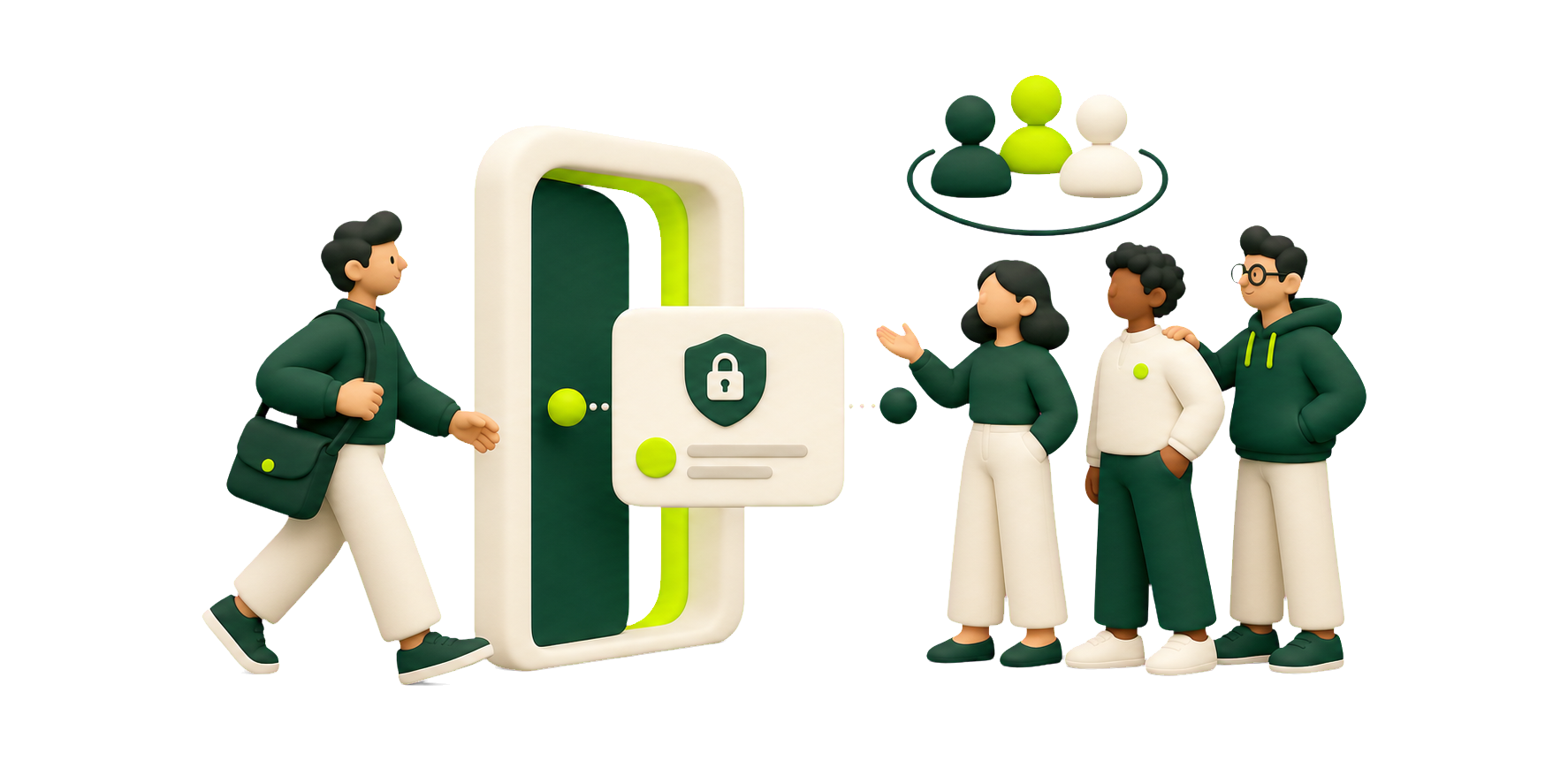
No engineering work. No meeting bots. Just a quiet coach on your desktop.
One-click installer for macOS or Windows. SmartScreen may ask — the build is unsigned during beta.
Three prompts — product, ICP, and the objections you hear most. BlinkQ does the rest.
Launch BlinkQ next to Zoom, Meet, or Teams. Press Start — the bar appears the moment audio flows.
Hints appear at the right moment. After the call you get a transcript, score, and what to drill next.
BlinkQ turns the call into a transcript, score, missed opportunities, and one focused thing to improve next time.
Share Zoom, Meet, or Teams without the coach appearing for anyone else in the call.
No card and no artificial limits. Use live coaching, shared playbooks, post-call analysis, and team tools free during beta.
Use BlinkQ personally on desktop, or create a company workspace when your team is ready for shared playbooks and analytics.